AI
AI via MCP
Connect language models and agents through the Model Context Protocol so they can work in the same project you see. The service endpoint is mcp.mvm.datacubes.cloud/mcp.
Verae DataCubes Pronounced VEER-ay · Patent pending
Access from an AI (MCP) or desktop application, or SSH from anywhere.

Three ways in
Sign in from an agent, open the desktop application, or start a shell. The same project files, history, and backups are there either way.
Connect language models and agents through the Model Context Protocol so they can work in the same project you see. The service endpoint is mcp.mvm.datacubes.cloud/mcp.
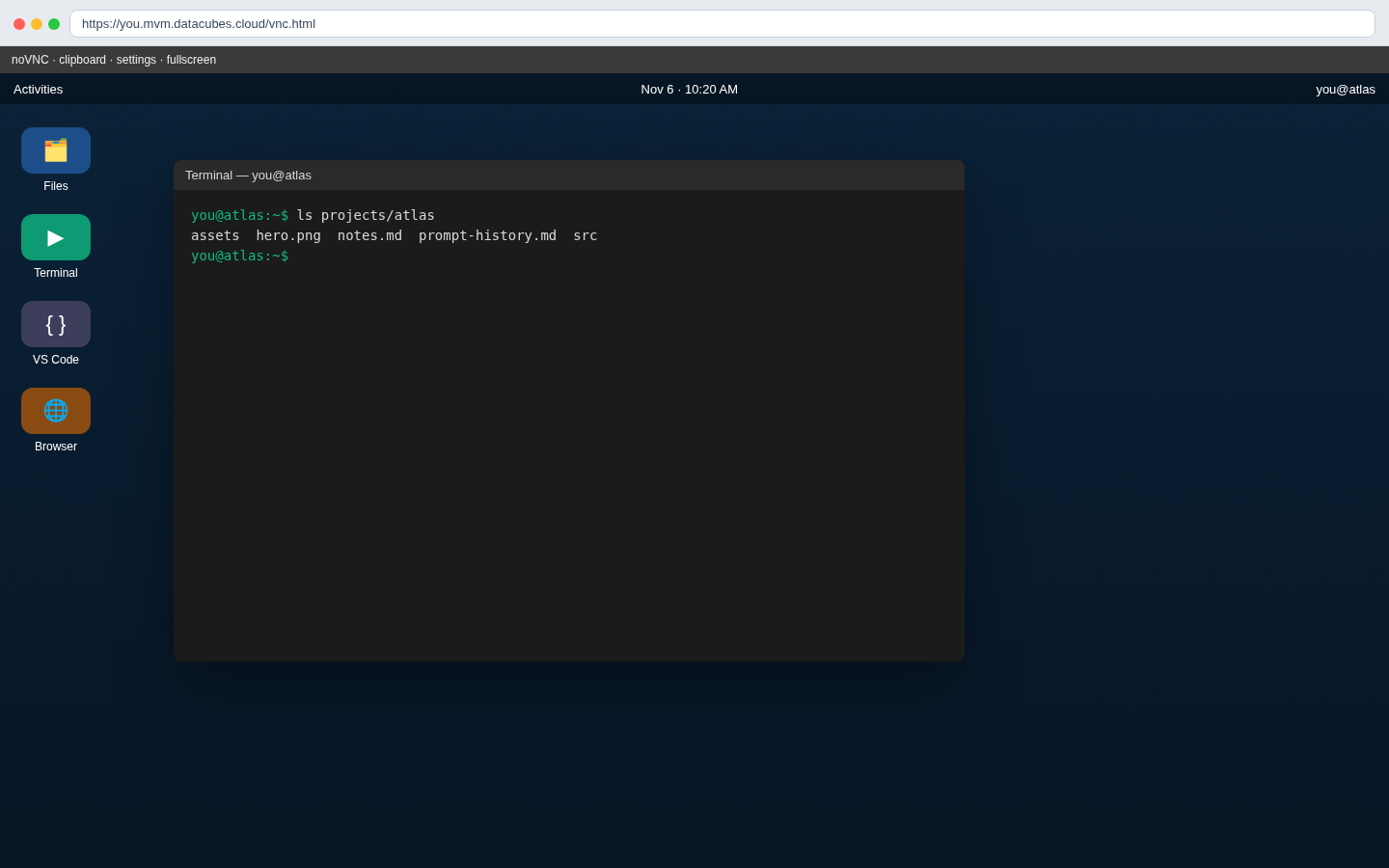
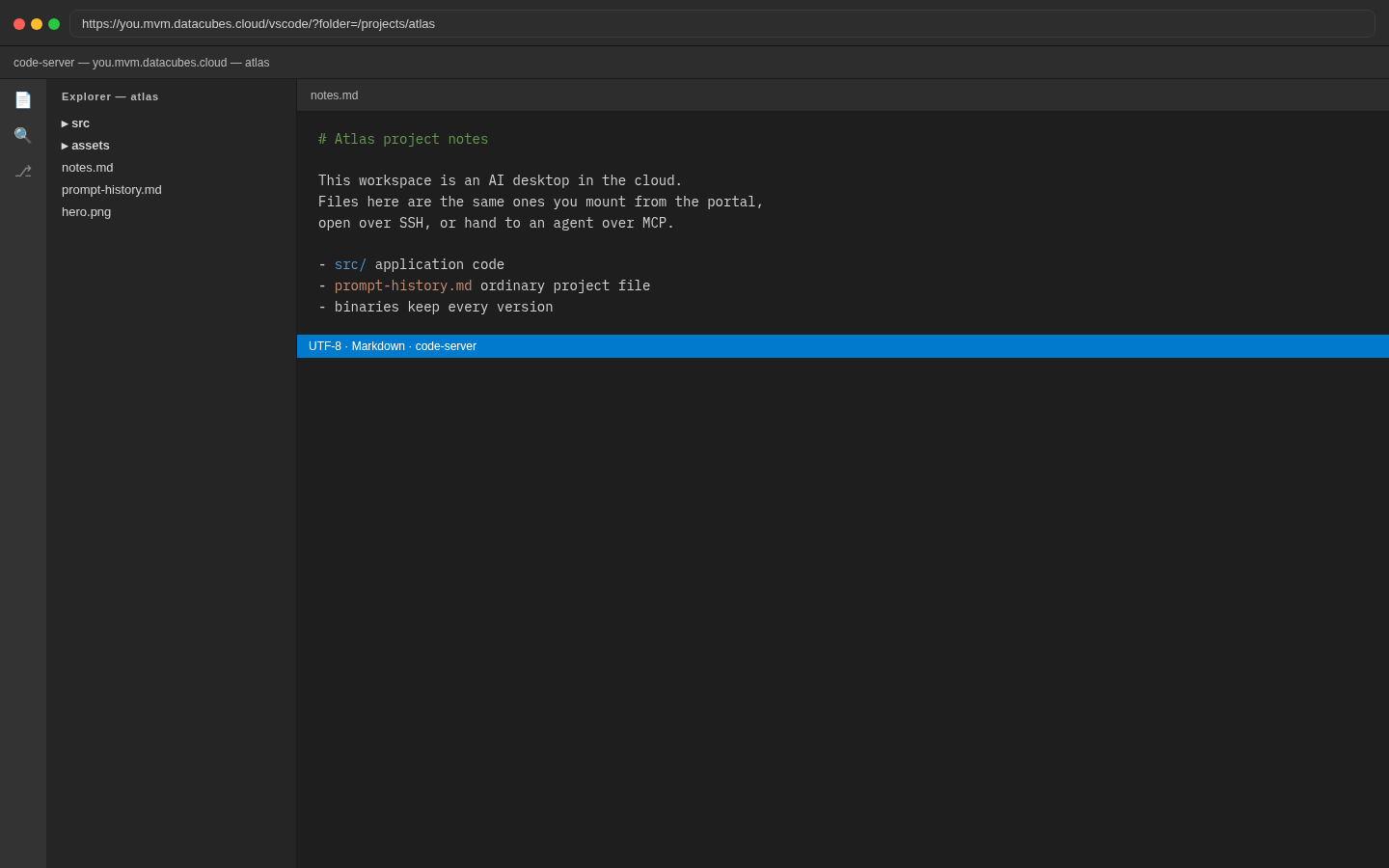
Open your project as a cloud desktop: a full desktop session in the browser (noVNC) and VS Code for the web, with the project files at hand.
Log in with SSH from any machine and use the workspace as you would any Linux host — editors, tools, and scripts included.
Project workspaces
Each project is its own cloud workspace. Your files live online with the project, and they are backed up to S3 so a closed project can be opened again later.
An encrypted secure folder holds system configuration and API keys. It is archived to S3 with the project. It is not part of a share or a DataCube download, and it is unlocked only when it is needed.
Workspaces idle-shut down when you are not using them. Billing follows each open project. Plans are shown when you sign up; contact us there if you want to talk through what you need.
Browser portal
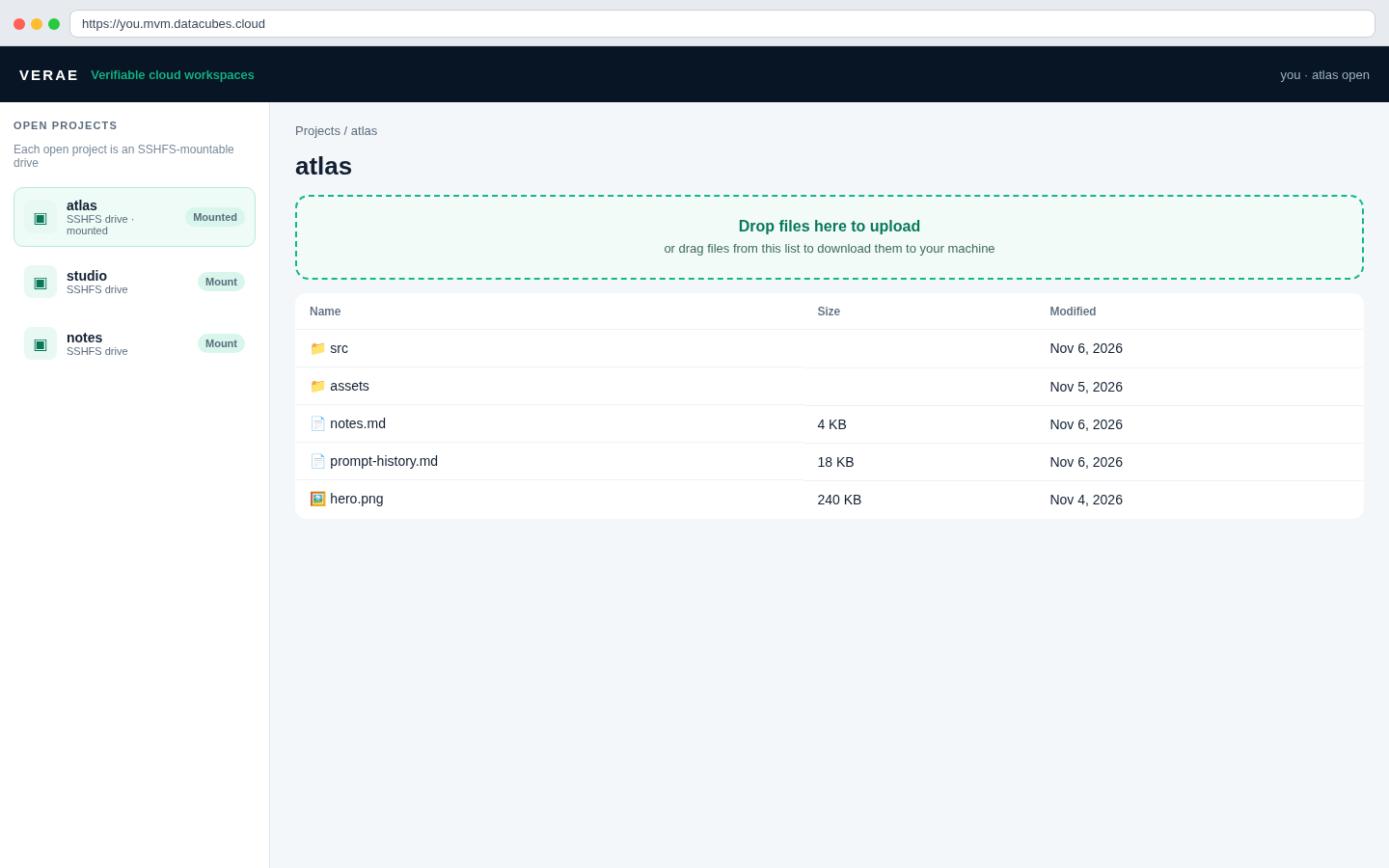
In the browser portal, every project you have open is listed in the left column as its own SSHFS-mountable drive. Mount a project onto your computer, or reach the same files over SFTP, and work with them in Finder, Explorer, or the terminal.
Drag and drop is its own path in the portal: upload files from your machine, or download files back again, without going through prompt history or a separate tool.
Prompt history
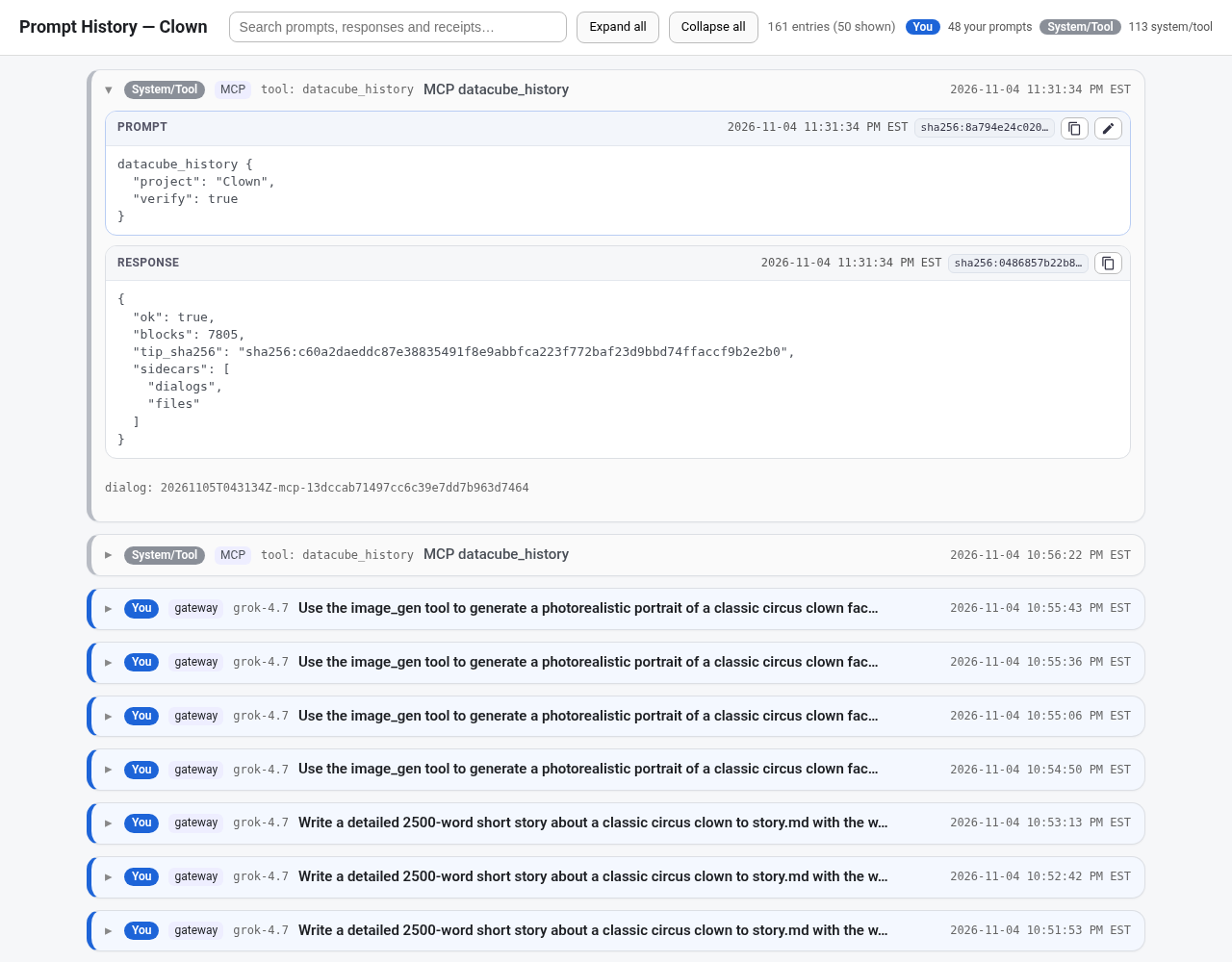
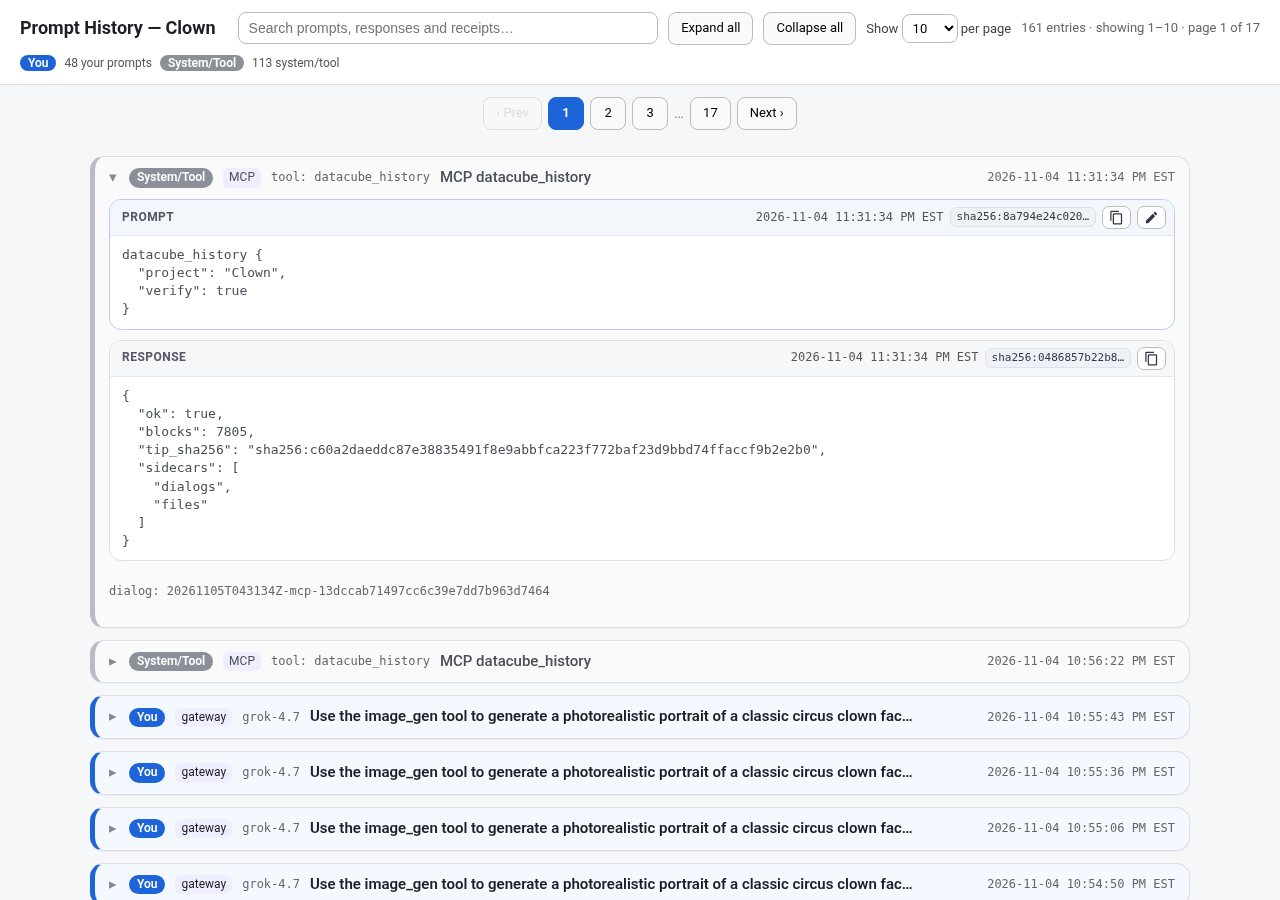
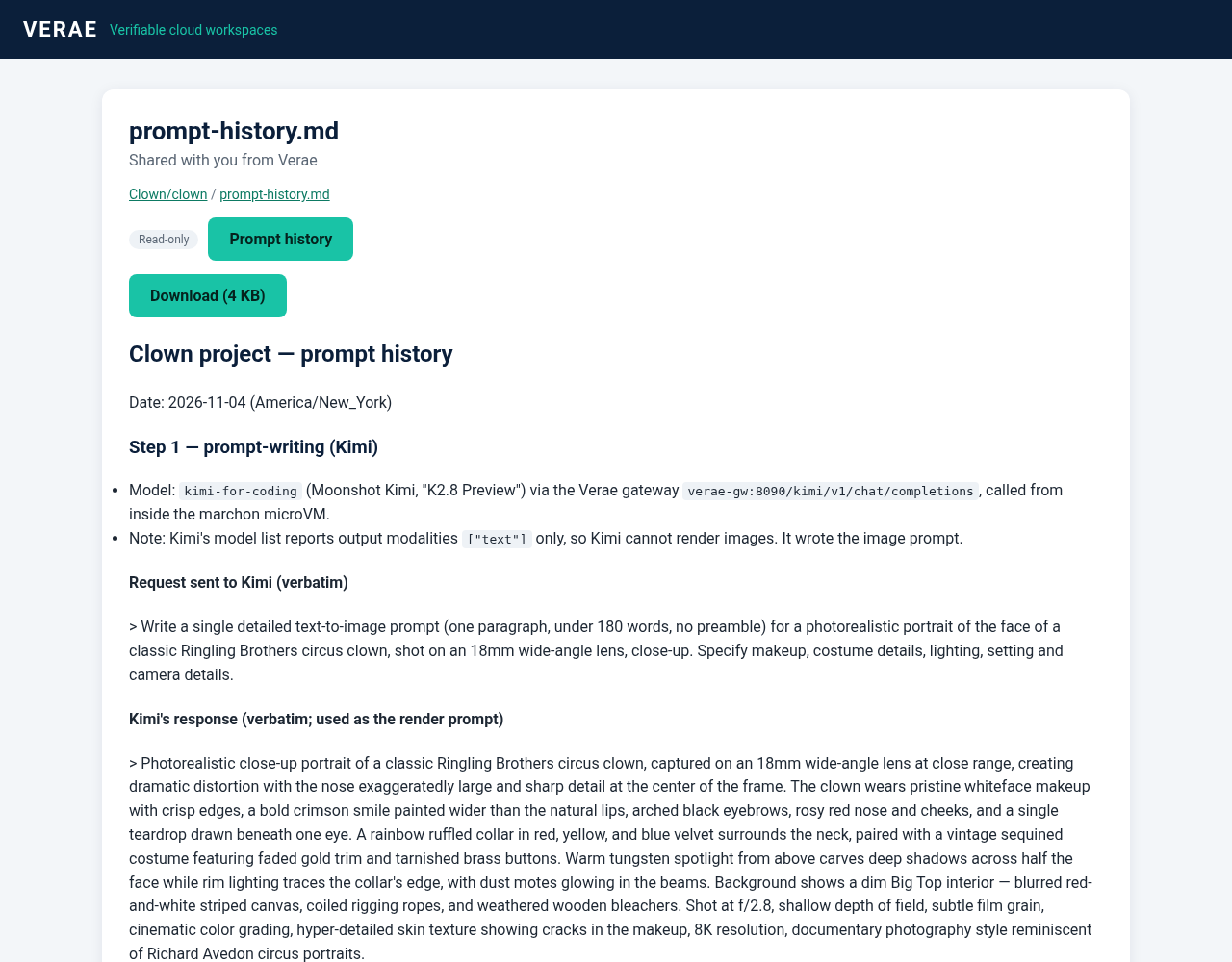
Prompt history lives online with the rest of the project — newest first — with a timestamp and a hash receipt on each entry, anchored to the chain. Search it, page through it, copy a prompt, or edit one and run it again.
These are regular files in the project, alongside your documents, images, and code. They are not a special mount, and they are not tied to SSHFS or SFTP.
Versions
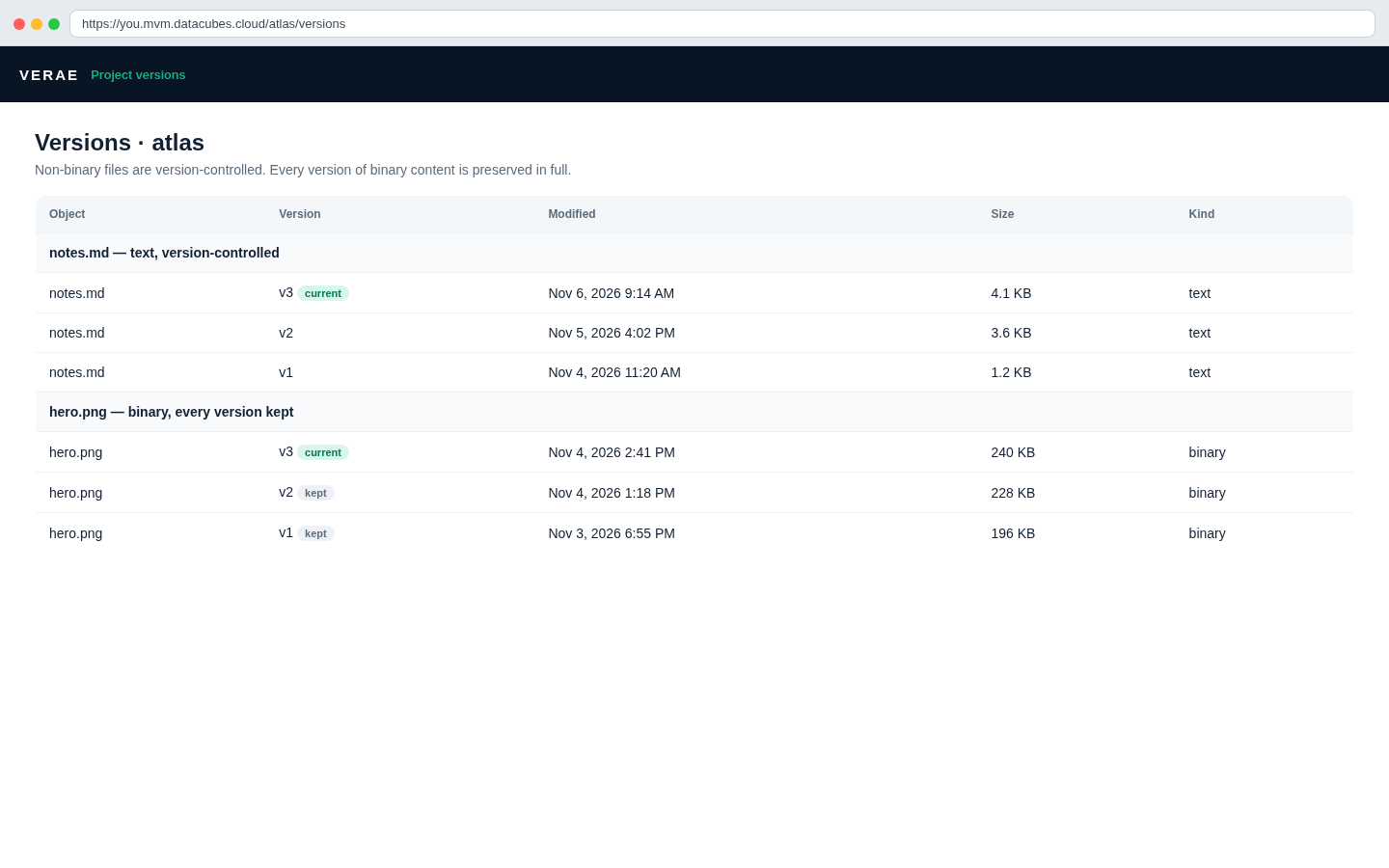
Non-binary content — documents, code, and other text — is kept under version control so you can follow how a file changed.
Binary content is different: each version of an image, render, or other binary file is preserved in full, not overwritten and lost.
Desktop application
When you open the desktop application you get a cloud desktop over noVNC and VS Code for the web — the same project, ready for you or an agent working alongside you.
Customer previews
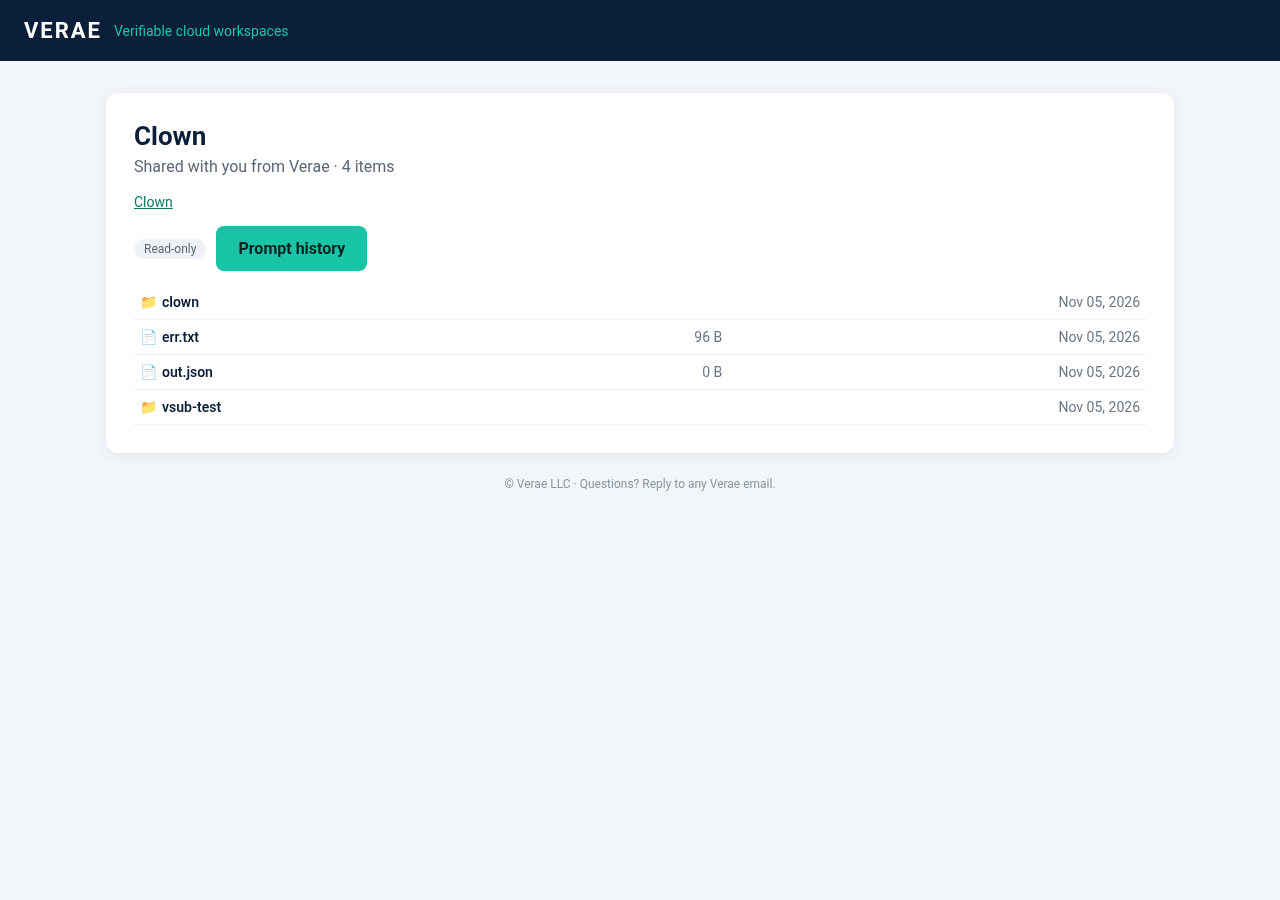
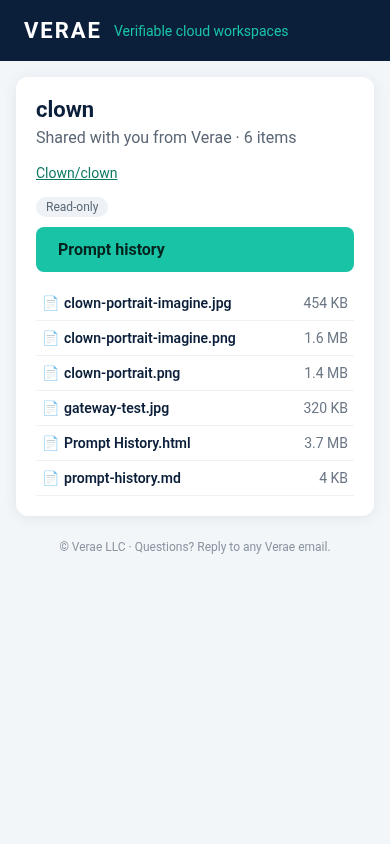
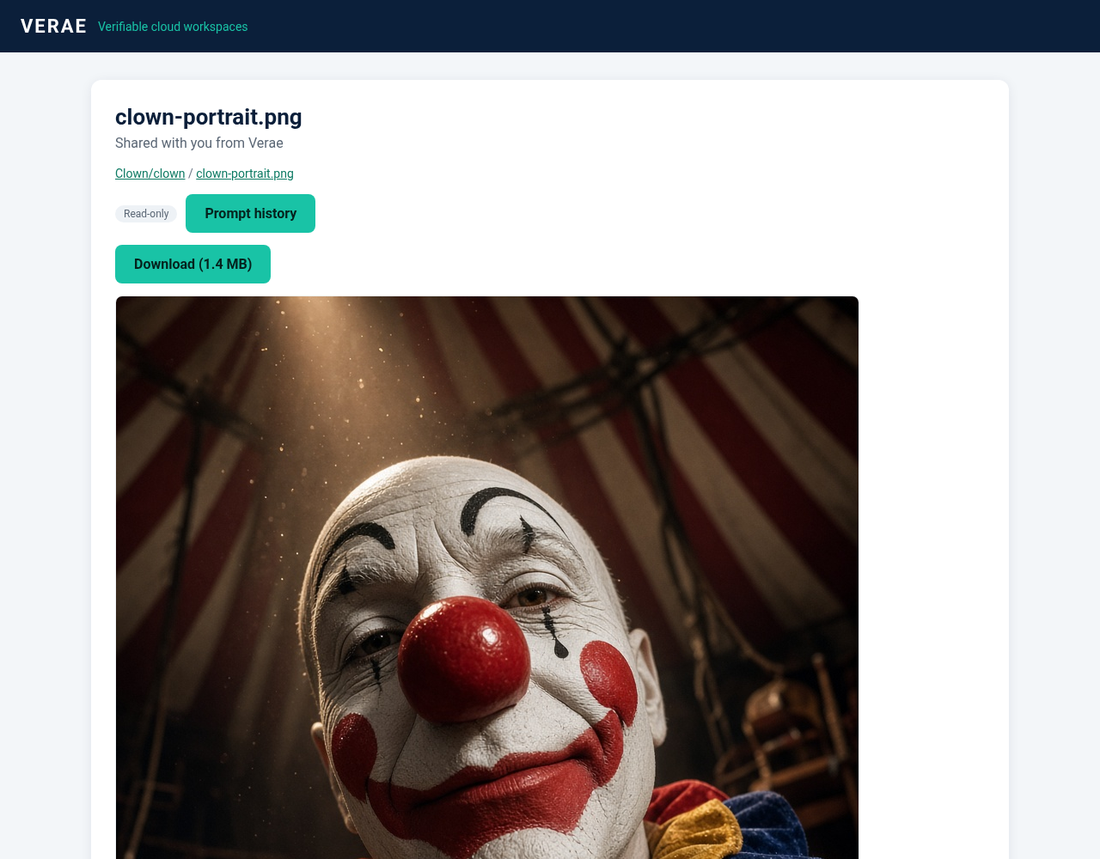
Create a private, read-only link to a specific directory so a customer can preview that folder in the browser — files, images, and documents — without an account and without write access.
You choose whether the preview includes prompt history. Links can be revoked when the preview is over, and they expire after 30 days.
Plans
Every plan includes the same workspace tools. Plan defaults are $19.95, $49.95, and $199 per month with 1-year billing (40% off). Month-to-month is offered at $33.25, $83.25, and $331.67. An admin can adjust any customer’s rates in the Verae sale and billing engine. Time is billed per open project every 30 minutes. Teams is bulk-priced with sales.
For trying DataCubes on a personal project.
Create an accountFor day-to-day project work with agents and a cloud desktop.
Create an accountFor heavier use across more live and archived projects.
Create an accountFor groups that need custom capacity and a single conversation with us.
Contact salesOn a phone, swipe the table sideways to compare every plan.
| What’s included | Casual | Developer | Pro | Teams |
|---|---|---|---|---|
| Price (1-year billing, 40% off) | $19.95/mo | $49.95/mo | $199/mo | Contact sales for bulk pricing |
| Billed monthly | $33.25/mo | $83.25/mo | $331.67/mo | — |
| Included disk space | 1 GB | 5 GB | 20 GB | Custom |
| Included time (hours, billed every 30 minutes per open project) | 10 hours | 50 hours | 200 hours | Custom |
| Automatic S3 storage and backups | Included | Included | Included | Included |
| Live projects | 1 | 5 | 20 | Custom |
| Archived projects | 3 | 15 | 60 | Custom |
| Private customer secured share links | Included | Included | Included | Included |
| Full timestamping and blockchain security, with hashes in each project and across the system | Included | Included | Included | Included |
| Digital materials globally registered with every save | Included | Included | Included | Included |
| WebVNC | Included | Included | Included | Included |
| SSH | Included | Included | Included | Included |
| WebSSH | Included | Included | Included | Included |
| Browser-based VS Code–style editor | Included | Included | Included | Included |
| SSHFS mounting | Included | Included | Included | Included |
| SFTP | Included | Included | Included | Included |
| Authenticator app login (2FA) | Included | Included | Included | Included |
Casual, Developer, and Pro sign up at onboard.datacubes.cloud. For Teams, email veraetimestamp@gmail.com.Disk space, included hours, and live or archived project caps are provisional and subject to change. Prices shown are plan defaults and can be adjusted per customer in the Verae sale and billing engine. 1-year billing is 40% off the month-to-month rate, which is also offered.
You and your friend each receive $50 in service credit when your friend signs up for a 14-day free trial. Keep your bonus credits—even if you never subscribe.
Get a full backup of all your projects.
Get started
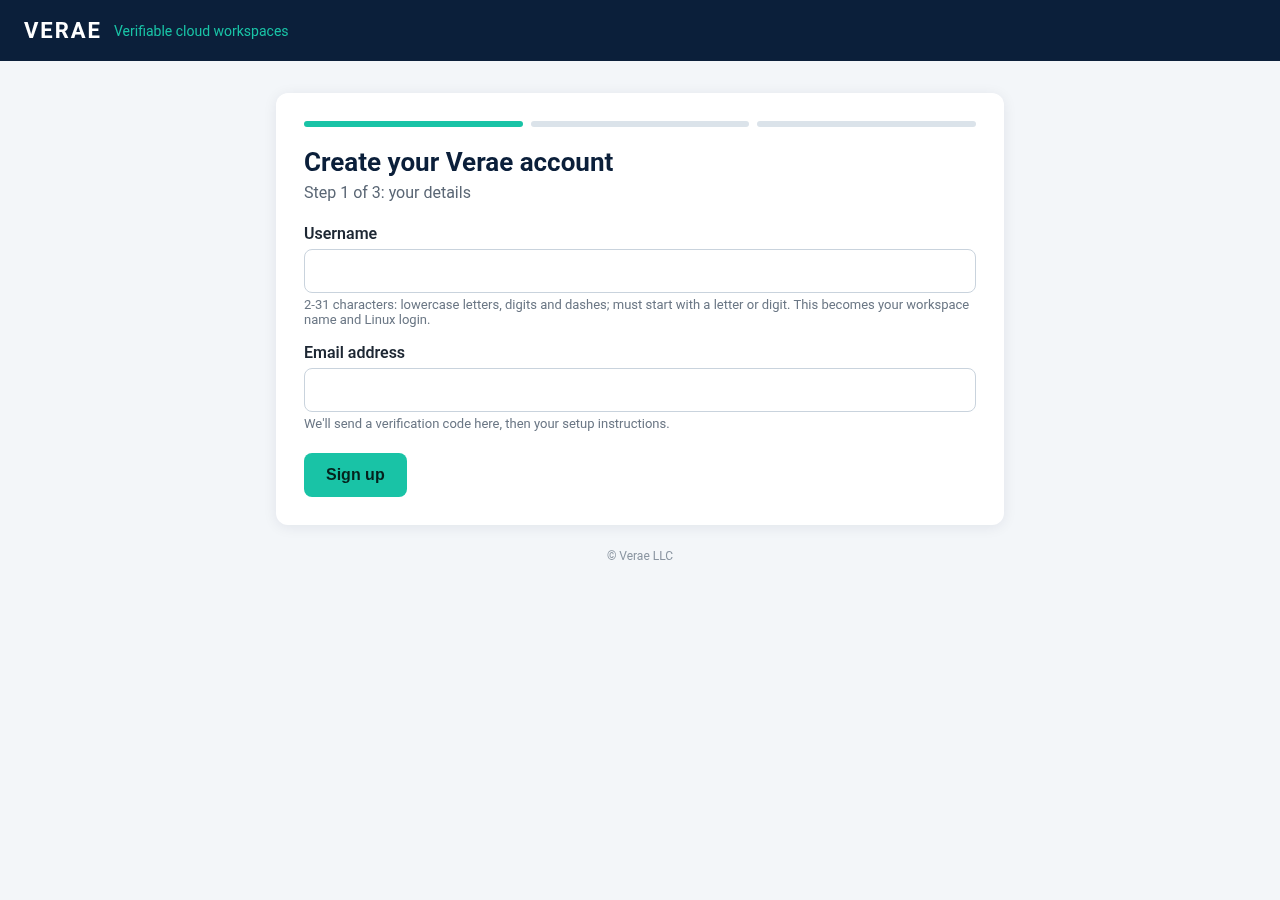
Create an account to start a workspace, or review the plan comparison above. Plan defaults offer 1-year billing (40% off) or month-to-month. Teams pricing is through sales.
Workspaces are at <user>.mvm.datacubes.cloud. Verae is pronounced VEER-ay. Patent pending.